
Create the job once and keep the details tied to it from the start.
Product
See how a typical assignment moves through Maulya.
Maulya was built for the real valuation workflow: incoming assignment, site visit data, report generation, review, submission, and billing follow-up.
You should be able to see what is pending, what is missing, and what needs approval without stitching the whole story together from WhatsApp, Word files, and memory.
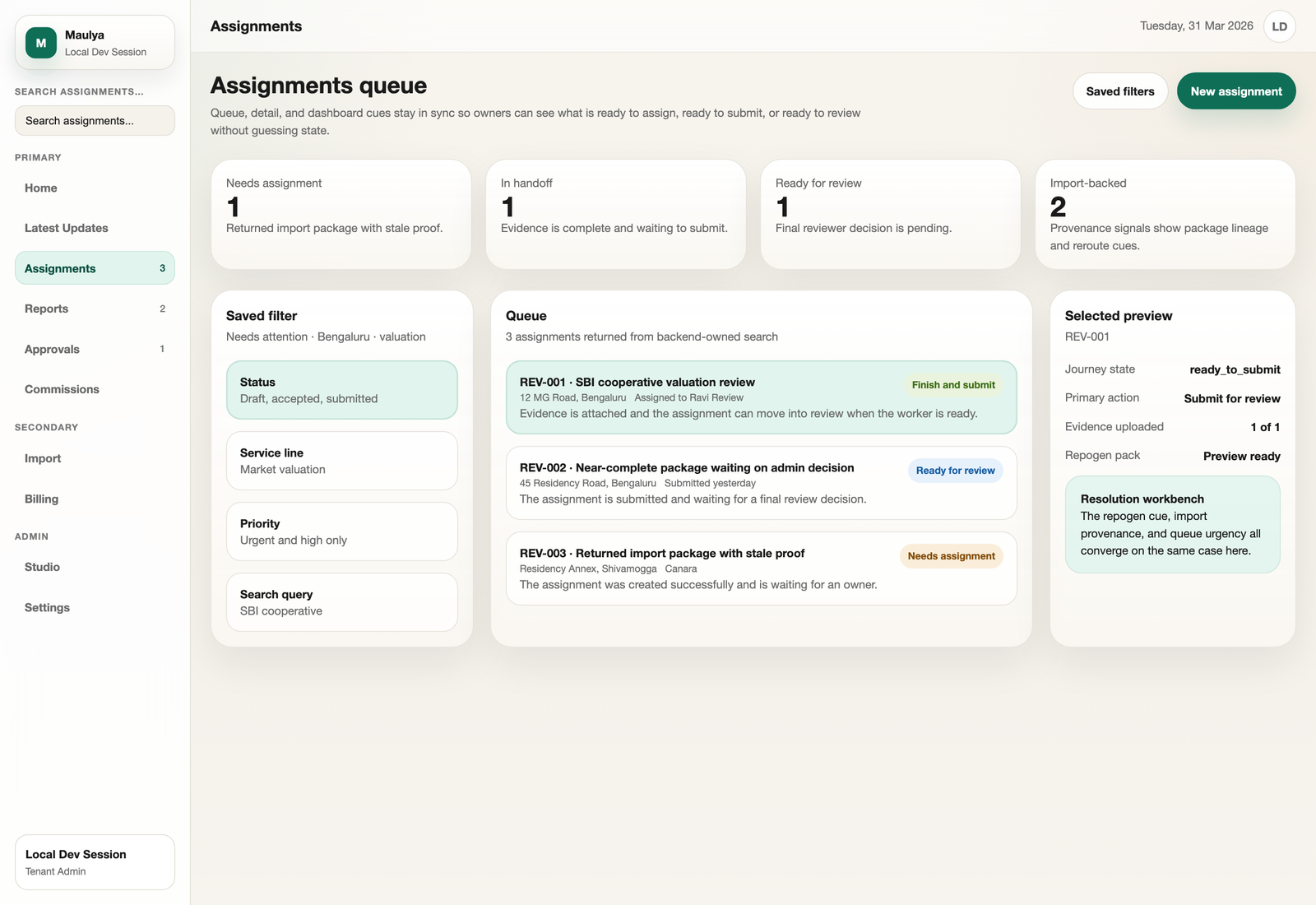
Built around the queue
Every important action starts from a clear assignment list instead of a chat thread.
Add measurements, rates, borrower details, and branch information.
Maps, site photos, and supporting documents stay attached to the assignment.
Choose the right bank format and create the report from structured data.
Catch missing data or changes before the report leaves the system.
Follow invoice status and payments after the work is completed.
Assignments
See every assignment in one queue.
New work, in-progress jobs, review items, and completed reports stay visible in one place. You do not need to remember which branch called yesterday or which staff member is holding the draft.
- Clear status from start to finish
- Ownership stays visible
- Less follow-up by memory
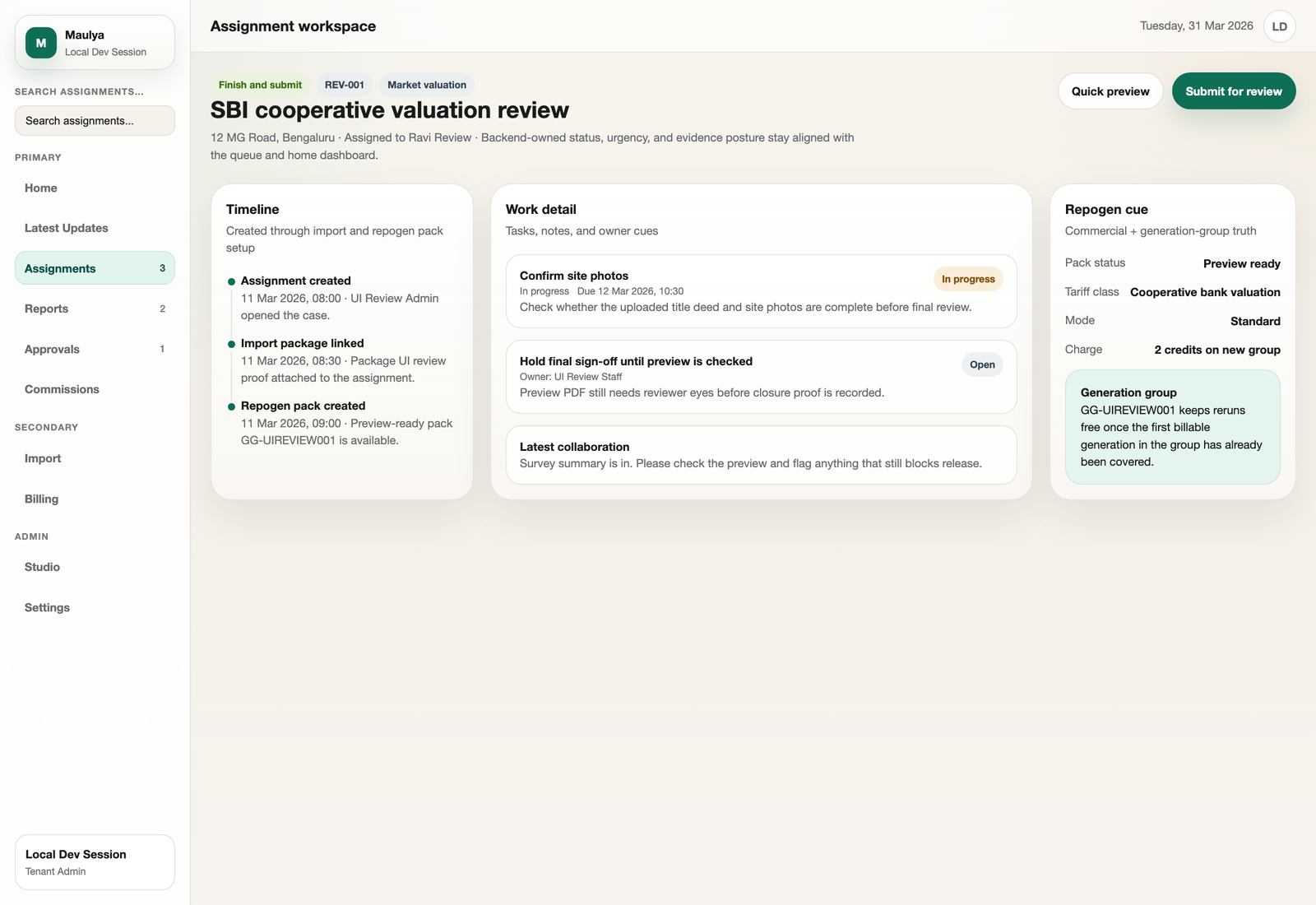
Assignment detail
Keep the full property story on the job.
Borrower details, property address, measurements, rates, and branch information stay with the assignment. That makes reviews easier and reduces rework when something changes.
- Structured data instead of free-form Word edits
- Less duplicate typing
- Cleaner handoff between staff
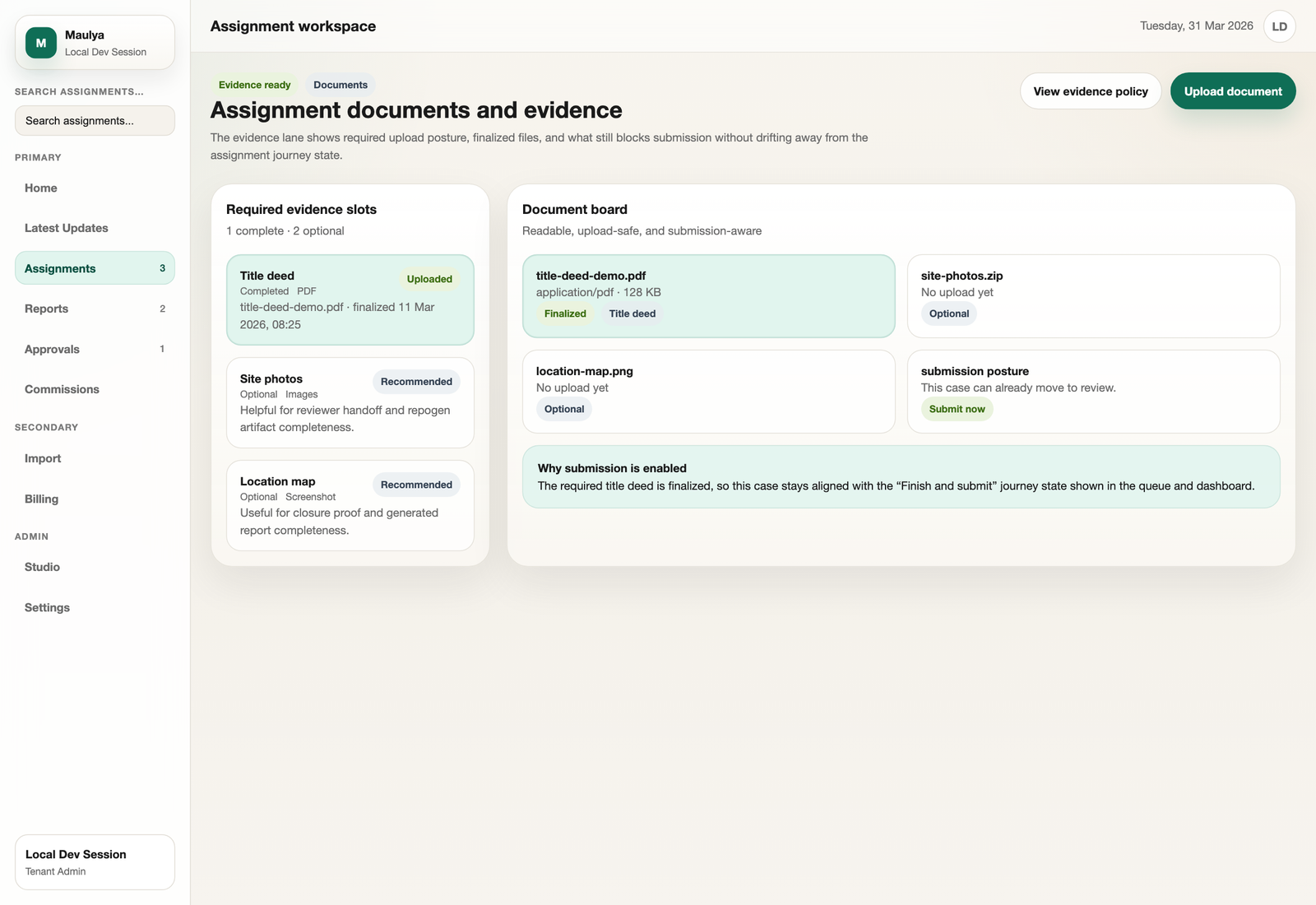
Photos and documents
Know what has been uploaded and what is still missing.
Photos, maps, and supporting files stay attached to the assignment. Your team can spot missing documents before the report is sent to the bank.
- Supporting files in one place
- Easier review before submission
- Less time hunting through phones and email
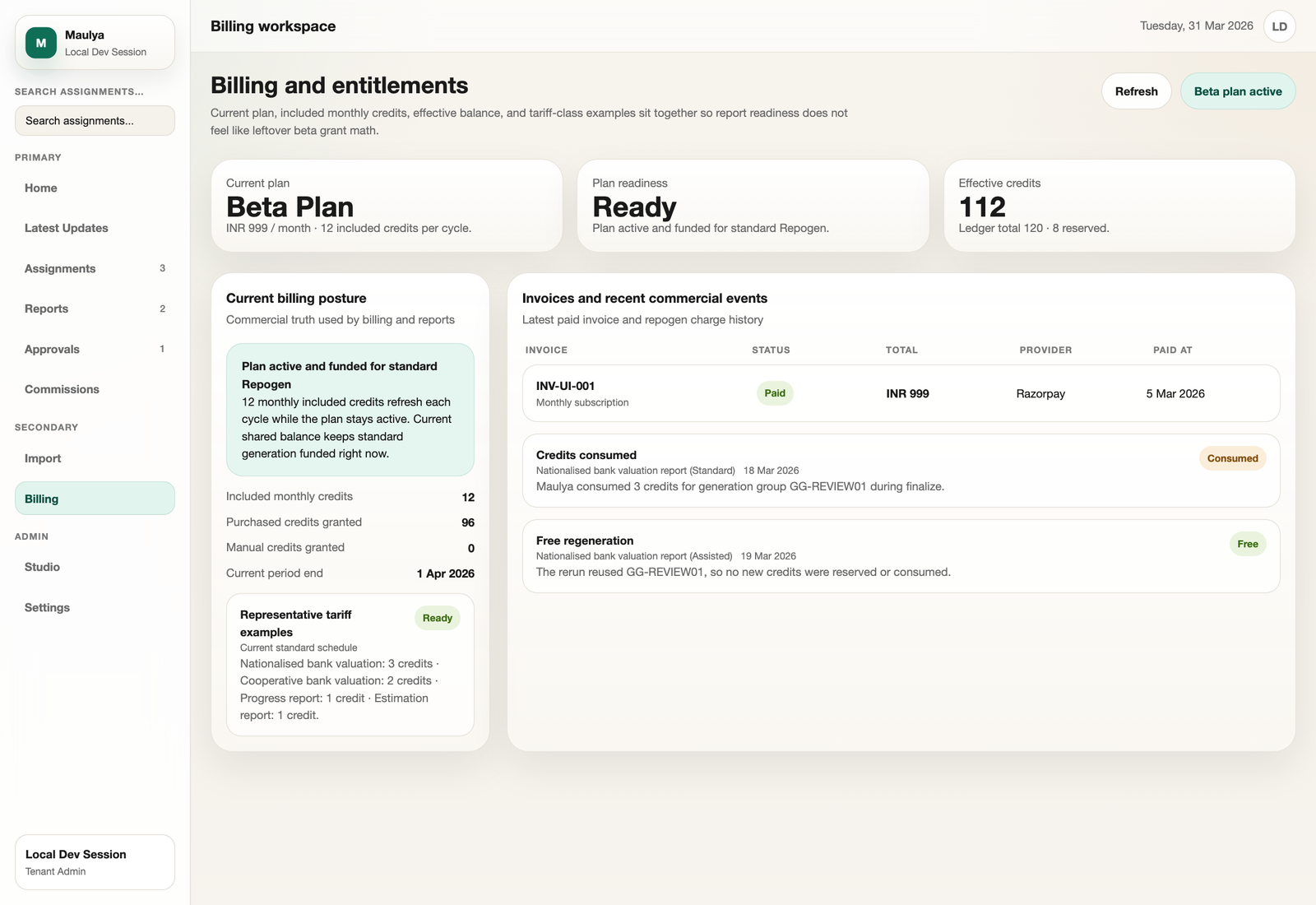
Billing
Track invoices, payments, and plan status without another spreadsheet.
Billing should be part of the same system as the assignment. That makes it easier to see what work was done, what was billed, and what is still pending.
- Invoices and payments in one place
- Commercial visibility for the team owner
- Cleaner monthly follow-up
Fill in the details once. Generate the right format.
Repogen is the report generation engine inside Maulya. You fill in the property details once. Maulya applies the correct report format for the assignment.
- SBI format for loans below ₹5 crore
- Standard nationalised format for SBI above ₹5 crore, BOI, PNB, Canara, and similar banks
- Cooperative bank format for lighter reports
Need to change a rate or measurement? Update the details and regenerate without retyping the whole report.
Choose how much help you need.
Growth plan: you fill the detailed form yourself and generate the report.
Studio plan: you send basic property data and we fill the detailed form for you. You review everything before the report is generated.
The valuer remains responsible for the approved report. Assisted mode reduces typing. It does not transfer professional responsibility.
Regeneration is included.
Change a measurement, update a rate, and generate again. The same report can be regenerated without an extra credit charge.
Core details stay locked.
Borrower name, property address, and bank stay locked after first generation. That protects you from accidental errors and credit misuse.